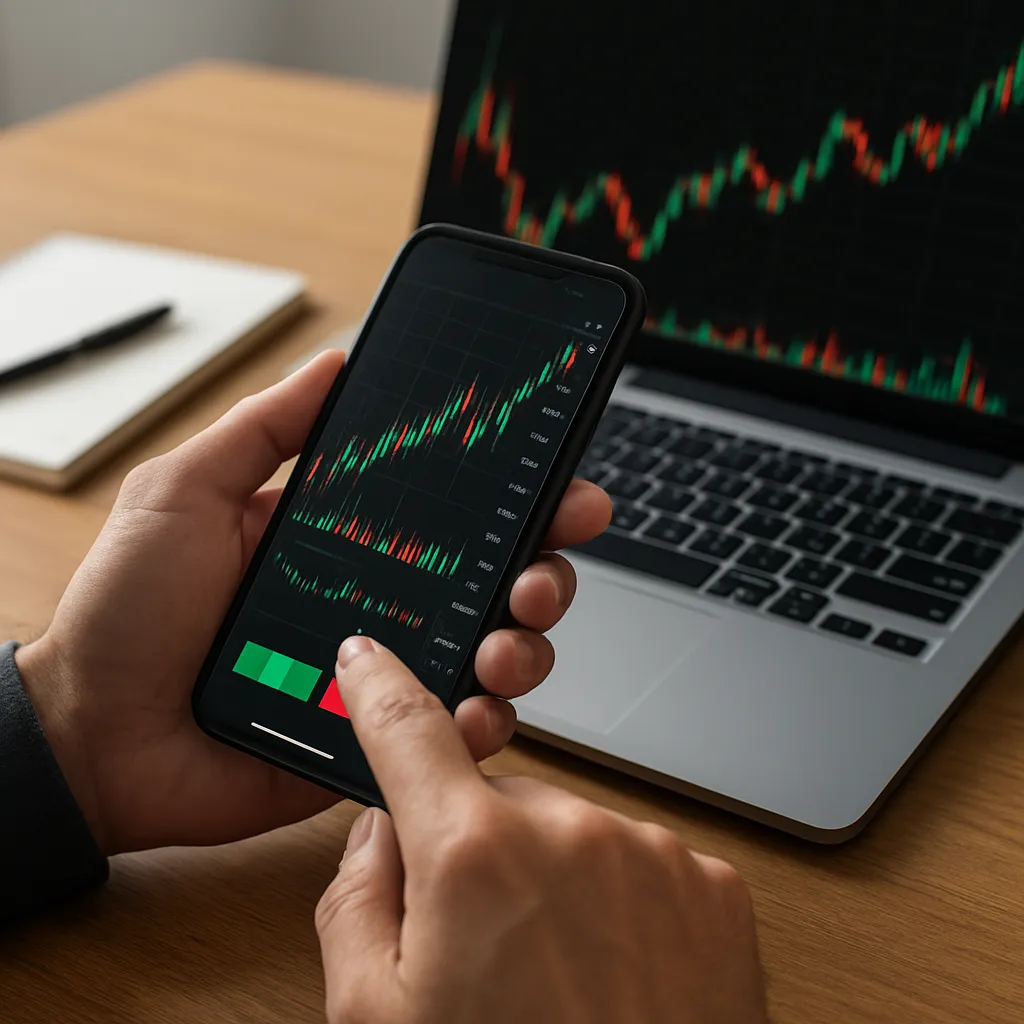
Mobile devices have revolutionized the way traders access the world’s largest financial market. With just a smartphone or tablet, anyone can analyze charts, place orders, and monitor positions from virtually anywhere. This article explores the essential steps and best practices for successfully trading foreign exchange on mobile platforms.
Getting Started with Mobile Forex Trading
Choosing the Right Broker
Selecting a reputable broker is the foundation of a secure mobile trading experience. Look for firms regulated by top-tier authorities such as the FCA, ASIC, or CFTC. Regulation ensures protection of client funds and adherence to fair trading practices. Evaluate the following criteria:
- Regulatory status and track record
- Minimum deposit requirements
- Range of currency pairs and CFDs
- Execution speed and slippage controls
- Customer support availability
Platform Installation and Setup
Most brokers offer proprietary apps or support popular third-party solutions like MetaTrader 4/5 and cTrader. After downloading the app, log in using your credentials and complete any two-factor authentication steps. Adjust these key settings:
- Chart timeframes and colour schemes
- Default order sizes and lot types
- Push notifications for price alerts
- Language and regional preferences
Ensure that your device’s operating system is up to date to avoid compatibility issues. Enable encryption features and install only verified apps from official app stores.
Understanding Currency Pairs and Market Structure
Forex trading involves buying one currency while selling another. Major pairs like EUR/USD and USD/JPY tend to have high liquidity and tight spreads, while exotic pairs can exhibit greater volatility and wider spreads. Familiarize yourself with:
- Base and quote currencies
- Bid and ask prices
- How pips translate to profit and loss
- Market sessions: Asian, European, and North American
Essential Tools and Features on Mobile Platforms
Live quotes and interactive charts are indispensable for making informed trading decisions. Key mobile platform features include:
- Real-time data feeds for currency pairs
- Advanced charting tools: candlesticks, Heikin-Ashi, and Renko
- Technical indicators: Moving Averages, RSI, MACD, Bollinger Bands
- One-tap order placement and quick order modification
- Economic calendar integration for tracking scheduled events
- Customizable watchlists and price alerts
Charting and Technical Analysis
Chart patterns and indicator signals can be monitored seamlessly on a small screen. To optimize readability:
- Zoom in on key price action levels
- Use contrasting colour schemes
- Save preferred chart templates
News and Fundamental Research
Many apps incorporate news wires, RSS feeds, and economic calendars. Instant access to release times for employment figures, inflation data, and central bank announcements helps traders anticipate spikes in volatility and sudden price movements.
Effective Mobile Trading Strategies
Scalping and Day Trading
Scalpers open and close positions within minutes to capture small price differentials. Success hinges on:
- Ultra-fast execution and minimal slippage
- Low-cost spreads and commissions
- Strict adherence to entry and exit rules
- Monitoring multiple timeframes (1-minute and 5-minute charts)
Swing Trading
Swing traders hold positions for several days to exploit medium-term trends. Mobile devices allow you to:
- Set conditional orders (OCO) to manage risk on the go
- Track momentum indicators like MACD or Stochastic Oscillator
- Receive push notifications when trendlines are breached
News-Based Trading
Trading around economic releases requires precise timing. Use the built-in economic calendar and alert functions to prepare for market-moving events such as:
- Central bank rate decisions
- GDP and employment reports
- Inflation data (CPI, PPI)
Risk Management and Security Best Practices
Using Stop Loss and Take Profit Orders
Mobile trading makes it easy to adjust orders in response to market action. Always define a stop-loss level to cap potential drawdowns and a take-profit target to lock in gains. Effective risk-reward ratios are typically set at 1:2 or higher.
Managing Margin and Leverage
Leverage can amplify both gains and losses. A leverage of 1:30 may seem attractive, but it substantially increases risk. Keep leverage at a conservative level and monitor your margin usage to avoid margin calls. Regularly review your free margin balance and close or adjust positions if it falls below critical thresholds.
Mobile Security Measures
Safeguarding your trading account starts with device security. Implement these precautions:
- Enable biometric authentication (fingerprint or facial recognition)
- Use complex, unique passwords stored in a secure manager
- Activate two-factor authentication (2FA) in your trading app
- Avoid public Wi-Fi; use a trusted VPN when necessary
Regularly update your device’s operating system and the trading app to patch vulnerabilities. By prioritizing security, you can focus on refining your strategy and enjoying a seamless trading experience anywhere in the world.